Creating the perfect URL

Creating the perfect URL is vital to be found online by both searchers and search engines. Your website’s URL is the online address to your business. It guides potential clients right to your site when they are searching for what you offer.
What is a URL?
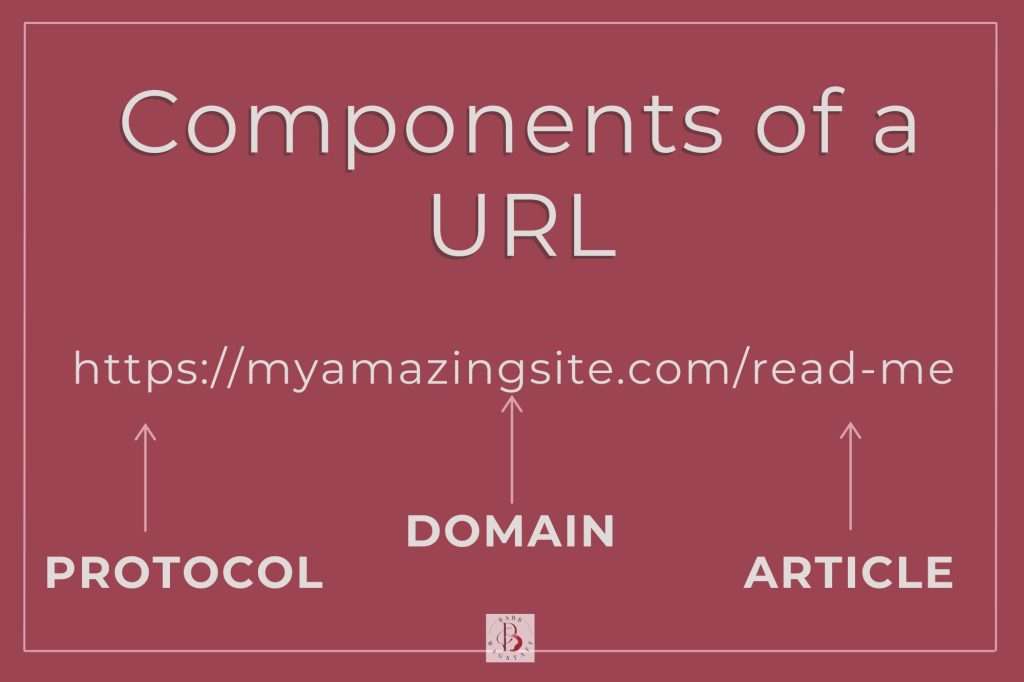
A URL or Uniform Resource Locator is a website’s address. Just as a physical business has a street address, the URL is your online business’s address. It directs your online audience to your shop.
A URL is made of readable text that points users to specific pages and content on the web, as opposed to the numeric IP addresses that computers use to communicate.
Creating the perfect URL requires the protocol (how the data is being transferred between networks), your domain name (the core identity of your website), and the folder path to specific content website files.
Not only does a properly structured URL make it easier for users to navigate, but it also helps search engines understand and prioritize your site, boosting your online visibility.
Why are urls important?

Properly formatted URLs play a key role in improving the user experience. They provide clarity, helping both search engines and reader quickly understand what a page is about before they open it.
When you create a perfect URL, you will significantly improve your click-through rates especially when your links are shared accross social media or email.
Let’s imagine that you sell winter vacation getaways. An effective URL for that offer could read:
https: //myamazingsite.com/winter-getaways
Without going to the page, both search engines and humans can see that this will be a page dedicated to winter getaways. This is the reason that you don’t want to have pages with URL addresses like:
https: //myamazingsite.com/?p=109
A URL filled with random symbols or numbers does not give any context. The potential reader is unsure of what they will find if the click the link. In instances where your link is shared without a preview–likes in an email or social media post, you want the URL itself to clearly communicate its value. You want it to entice users to click through and explore further.
Use your keyword to create the perfect url
Your keyword should always be in your URL. It will improve your site’s search visibility.
For example, if your keywords is “vacation packages”, but your URL was mygreatsite.com/holiday-bundles, you might miss some potential traffic.
To fully optimize your page, your URL should contain the keyword that you want to rank for. In this case, it would be better to have something like: mygreatsite.com/vacation-packages
You may be thinking, but holiday bundles and vacation packages are the same thing so it really won’t matter? The fact is that it does matter. While the phrases may be interchangeable for users, consistency is vital in your post. If you want to rank high on a search engine results page, you must have consistency with your keywords throughout the page.
To create the perfect URL, it should clearly reflect the keyword that you are targeting. Again, this ensures that search engines understand exactly what your page is about.
In your page copy, it is perfectly fine to mix in synonyms like “holiday bundles” for a more natural flow and to enhance your user’s experience. Such a practice prevents keyword stuffing while still keeping your content relevant and engaging. When it comes to your URL, however, stick with your primary keyword for the best results.
How long can a URL be?
A URL must be under 2083 characters according to Moz.com. The reality is that shorter is. Long, complex URLs can hurt both user experience and your SEO efforts. Simplifying your URL can make it more user-friendly and help improve your rankings on search engine results pages (SERPs).
What are the URL best practices?
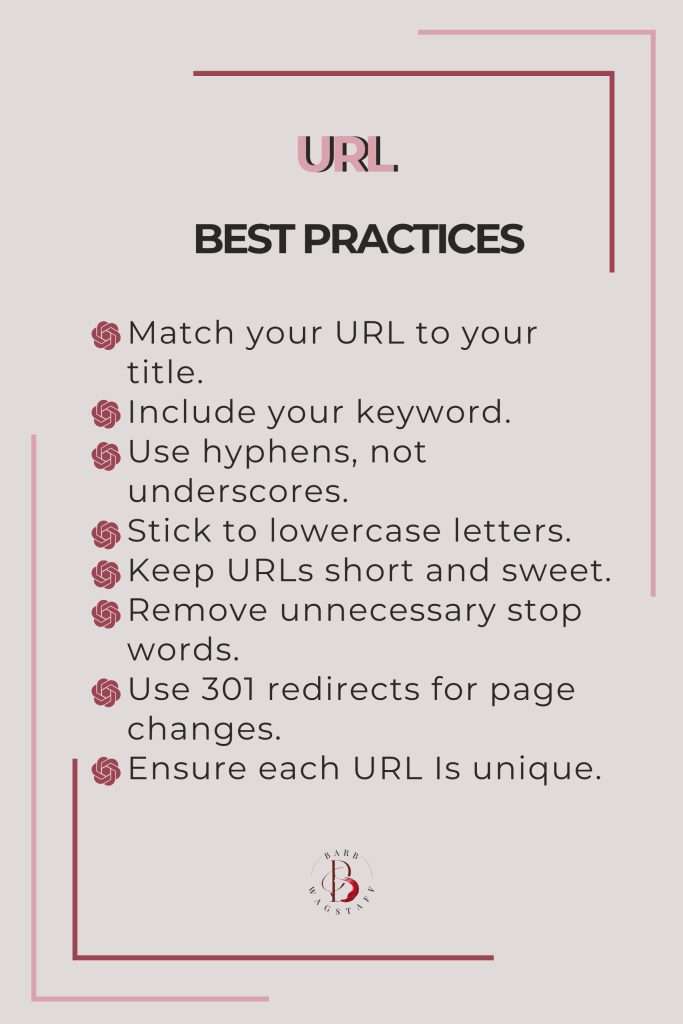
Your URL Matters More Than You Think
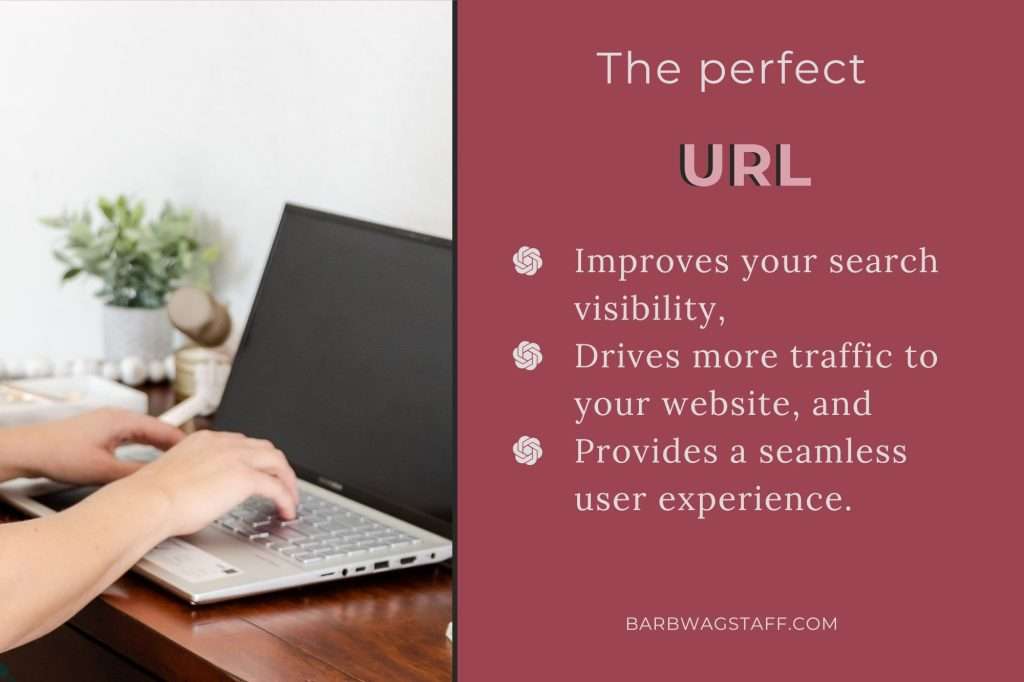
Your URL isn’t just the online address for your business. It is a critical part of your website’s first impression and a powerful SEO tool.
A well-structured, keyword-rich, and concise URL can significantly improve your search visibility, drive more traffic, and provide a seamless user experience. By following these best practices, you’re setting the foundation for better search rankings and a more intuitive web presence. Remember, the perfect URL is your gateway to making your content more discoverable—so take the time to get it right!
Learn how to grow your business with
A Keyword Tree
You know the importance of keywords, but how do they work? This FREE guide will show you!