How Google Search Console helps your online business
Google Search Console is an invaluable tool for your online business. It does more than monitor the health and operation of your website–it can help you to boost your content performance and uncover the keywords that your ideal clients are using when they search on Google!
What is Google Search Console?
Google defines its Google Search Console tool as a free service that helps you monitor, maintain, and troubleshoot your site’s presence in Google Search results.
To me, it is more than that! Google Serach Console is packed with insights that can help take your website from “okay” to “must read”.
How does it help you?
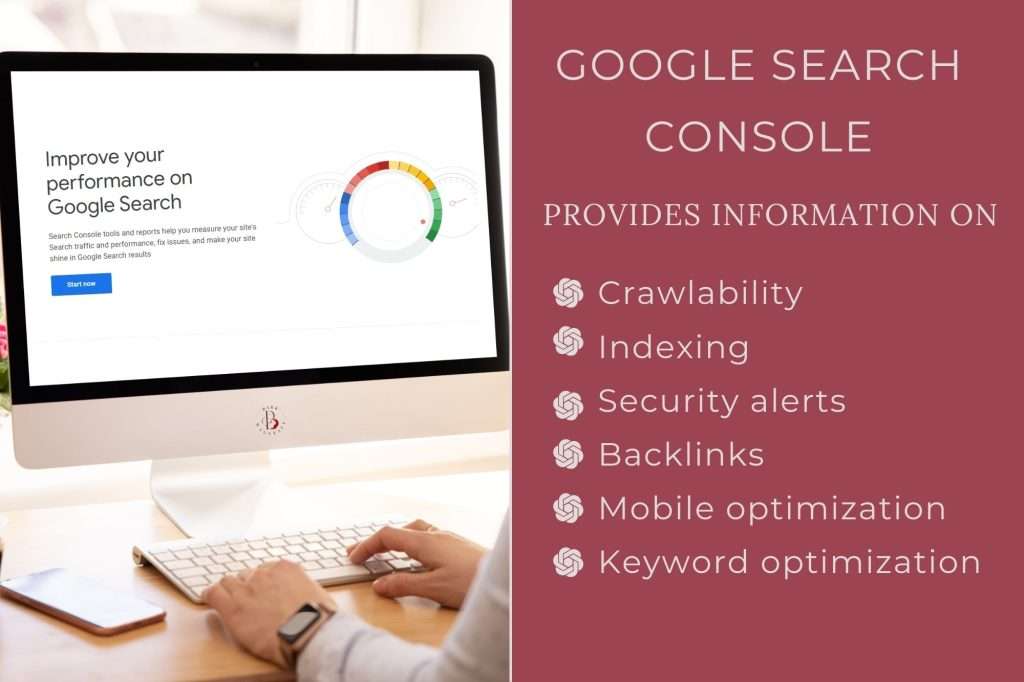
Google Search Console emails you alerts when there are technical issues with your website, helps to optimize your content, and gives you insights on how your website is performing.
Here are just a few things that it does…
- It ensures that Google can crawl your site and that your content is being indexed properly.
- If you have published new content or updated older posts, you can request Google to re-index it.
- Google Search Console will you notifications of indexing errors, spam or other security issues with your site.
- This tool will also show you which sites are linking back to your website.
- It troubleshoots mobile usability issues and other search features such as AMP (Accelerated Mobile Pages).
- It helps you to see which search queries your site is appearing for and how to optimize your content for those keywords.
Boost the benefits with Google Analytics
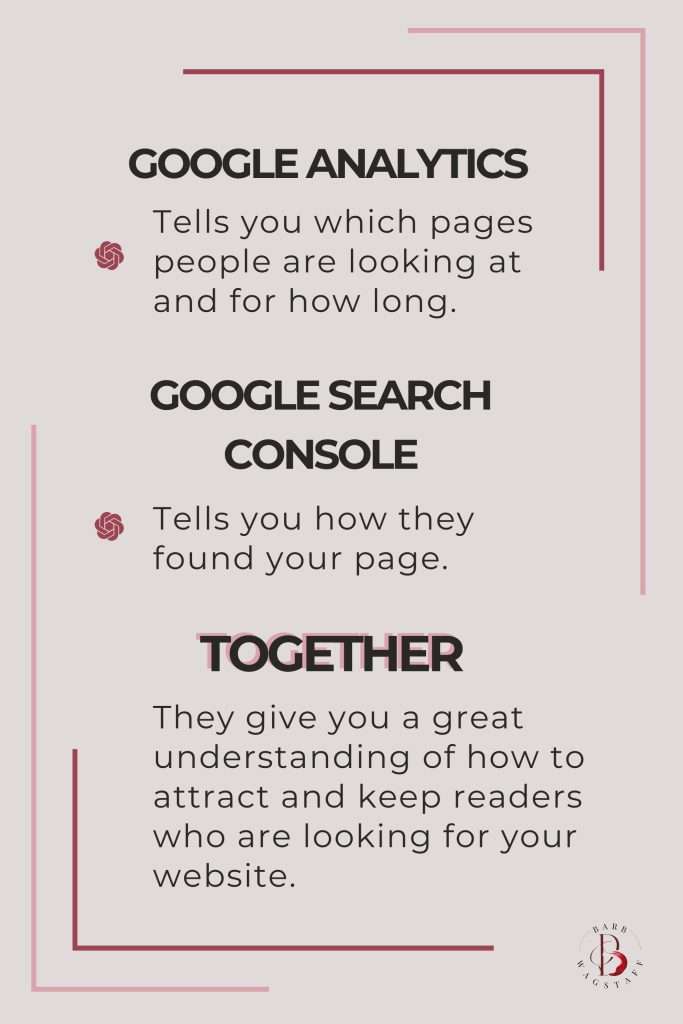
Connect Google Search Console with your Google Analytics profile to dive even deeper into your website’s online performance!
Google Analytics tells you what people are doing when they are on your website–the pages that they are looking at and how long they are on your website. Google Search Console provides you with a deeper look at how they are finding your website. Together, they are the perfect combination for optimizing your marketing strategy.
Let me share how this works.
I was reviewing a client’s Analytics account and checked the results that were pulling from Search Console. One of their core keywords was sitting down at position 17 on the search engine results page (SERP). That is pretty far down on a page. It is definitely not where you want to be when you are aiming for organic traffic growth!
All was not lost, however. This insight told me that they need to adjust their content by doing things like:
- Enhancing the text to target the keywords more effectively.
- Add or update the images being used to make the content more engaging.
- Make sure that the keywords are not being used across multiple pages.
- Peek at the competitors’ pages. What are they doing that ranks their page higher and how can we do it better?
Optimizing keywords for maximum impact
Google Search Console gives you data that allows you to see which search queries are sending traffic your way.
For example, let’s say that your website is showing up for a keyword like “best organic skincare products”, but you don’t offer organic skincare products. This insight tells you that you need to refocus your content on the keywords that matter most to your audience.
You can also see the words that you are showing up for, but aren’t performing as well as you want (like the client that I mentioned).
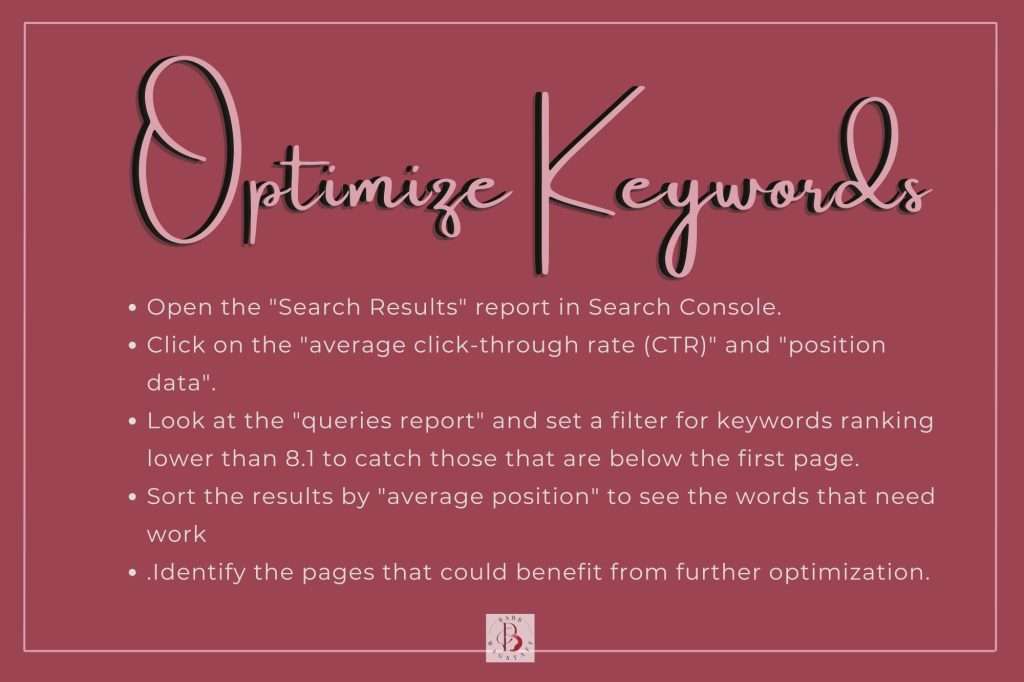
To do this in Google Search Console…
- Open the “Search Results” report in Search Console.
- Click on the “average click-through rate (CTR)” and “position data”.
- Look at the “queries report” and set a filter for keywords ranking lower than 8.1 to catch those that are below the first page.
- Sort the results by “average position” to see the words that need work.
- Identify the pages that could benefit from further optimization.
Take some time to make sure that you are effectively using those keywords in the right places on your page. This can increase your click-through rate and help increase your sales.
Use Google Search Console in your content audit.

As you have seen, Google Search Console can show you which pages are performing well and which ones need a boost.
If a page isn’t getting enough clicks or impressions, it may be time to improve it or delete the page and set up a 301 redirect.
Remember that pages that are outdated or have poorly performing content will negatively impact your Google ranking.
During a content audit, review your website, assess your pages, and make the decision whether to:
- Keep and optimize the page or
- Remove and redirect it to a more relevant piece of content.
The Benefits of Google Search Console
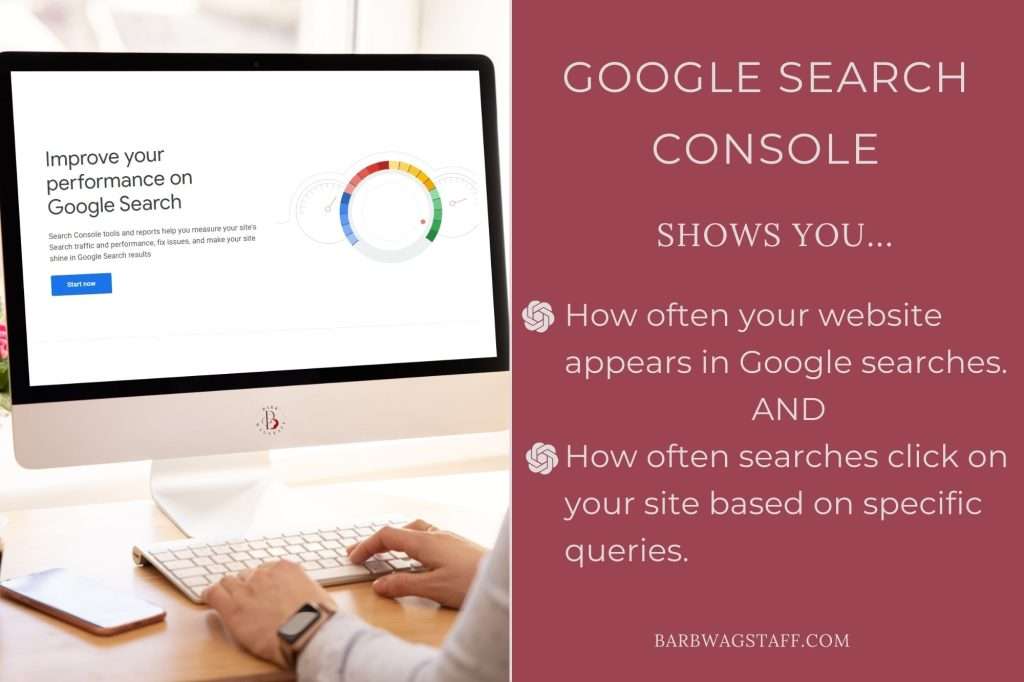
To be found by potential clients, you need to use the right keywords. Google Search console shows you
- How often your website appears in Google searches.
- How often searchers click on your site based on specific queries.
This data is invaluable when deciding if your content is still relevant and optimized for today’s search landscape. You will be able to know exactly which keywords to target and where to refine your strategy to attract more organice traffic.
If you are ready to start using Google Search Console to boost your website’s performance, but haven’t installed it yet, click below for access to my installation video.
If you already have Google Search Console installed, take a few minutes to dig into your data and start uncovering the insights that will take your content to the next level!
LEARN TO INSTALL
gOOGLE sEARCH cONSOLE